
Download SoundCloud – Free Music Sharing, Social Audio Platform, Secure Upload
Overview
SoundCloud stands out as the most accessible way to share music online, combining a powerful upload engine with a social network that feels like a blend of Twitter and a modern music‑streaming service. Launched as a free web app, SoundCloud lets musicians, DJs, podcasters, and hobbyists upload up to two hours of audio in high‑quality formats such as AIFF, WAV, FLAC, OGG, MP3, or AAC. Once your tracks are live, they can be streamed directly from any browser, embedded on external sites, or shared via Facebook, Twitter, and other platforms with a single click.
The platform’s focus on audio‑only content means the interface is uncluttered, loading quickly even on slower connections, and the built‑in analytics give creators instant insight into plays, likes, reposts, and comments. Users can follow each other, join genre‑based groups, and discover new music through a recommendation engine that learns from listening habits. For creators who want a simple, secure, and community‑driven home for their sounds, SoundCloud provides a free tier that is surprisingly robust, while premium plans unlock additional storage, advanced statistics, and the ability to monetize tracks.
Whether you’re a bedroom producer looking for feedback or an established artist seeking a secondary distribution channel, SoundCloud’s blend of ease‑of‑use, social interaction, and cross‑platform compatibility makes it a top choice for anyone who wants to showcase their audio creations.
Key Features of SoundCloud
- Unlimited Streaming from Any Browser – Listeners can play tracks without needing a dedicated app; the HTML5 player works on Windows, macOS, Linux, Android, and iOS browsers.
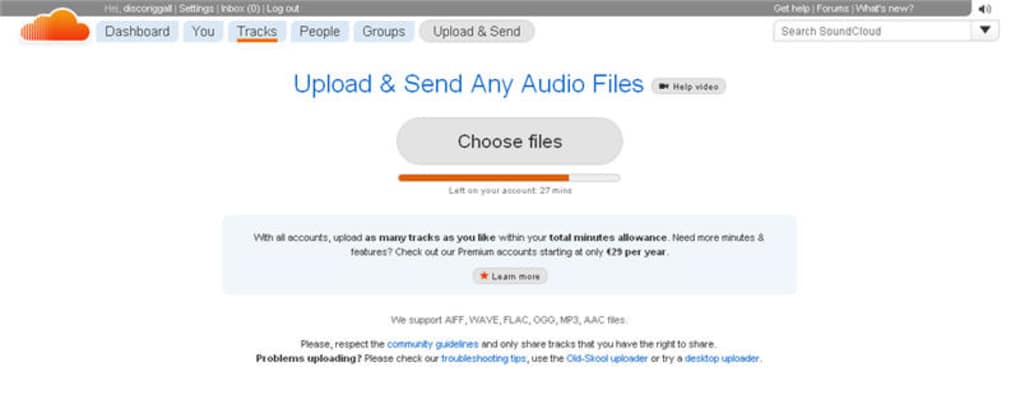
- High‑Quality Upload Support – Accepts AIFF, WAV, FLAC, OGG, MP3, and AAC up to two hours per track, ensuring lossless and high‑resolution audio are preserved.
- Social Interaction Tools – Follow artists, like tracks, repost, comment, and create playlists, turning a simple music‑sharing site into a vibrant community.
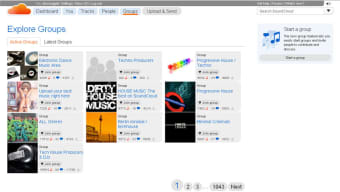
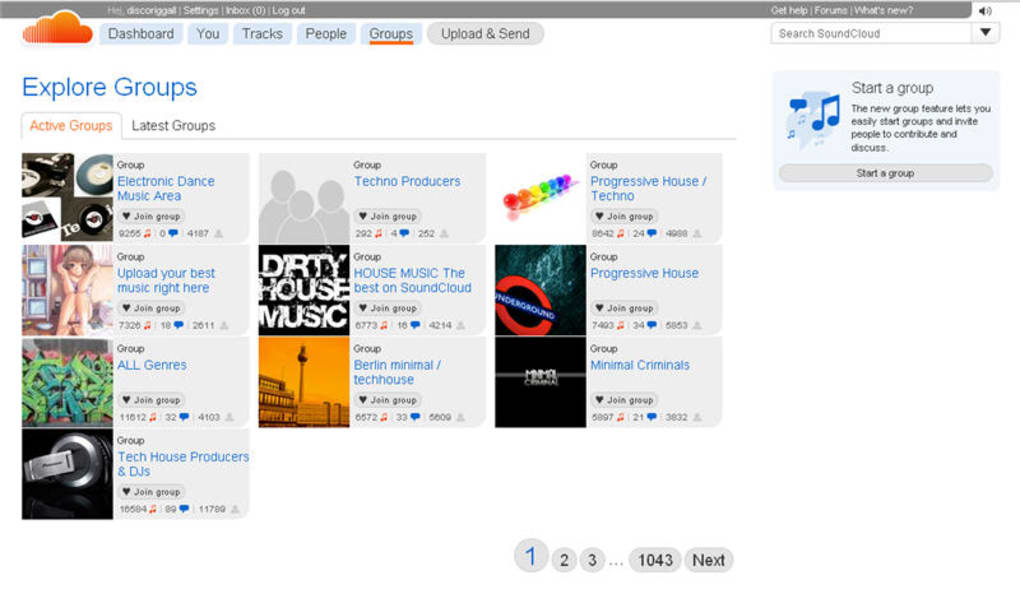
- Groups & Community Discovery – Join genre‑specific groups, participate in discussions, and get your music heard by fans who share your taste.
- Embeddable Player & Widgets – Generate a shareable widget that can be placed on personal websites, blogs, or Facebook pages, allowing fans to listen without leaving the host site.
- Analytics Dashboard – Real‑time stats show plays, geographic data, referral sources, and listener demographics, helping creators refine their promotional strategies.
- Monetization Options – SoundCloud Premier and other premium services let eligible creators earn revenue through ads, subscriptions, and fan support.
- Privacy Controls – Choose between public, private, or password‑protected tracks, and decide whether each upload can be downloaded by listeners.
- Cross‑Platform Sync – Your library, playlists, and follows sync automatically across desktop, mobile, and tablet devices.
- Regular Updates & Security – The platform receives frequent security patches, ensuring uploads are stored safely and user data remains protected.
Installation, Usage & Compatibility
Getting started with SoundCloud is intentionally frictionless. The service is primarily web‑based, so there is no traditional “installation” process for the desktop version; you simply navigate to soundcloud.com using any modern browser (Chrome, Firefox, Safari, Edge) and create a free account. For mobile users, the SoundCloud app is available on both Android and iOS, offering a native experience with offline listening for premium members.
Step‑by‑Step Setup
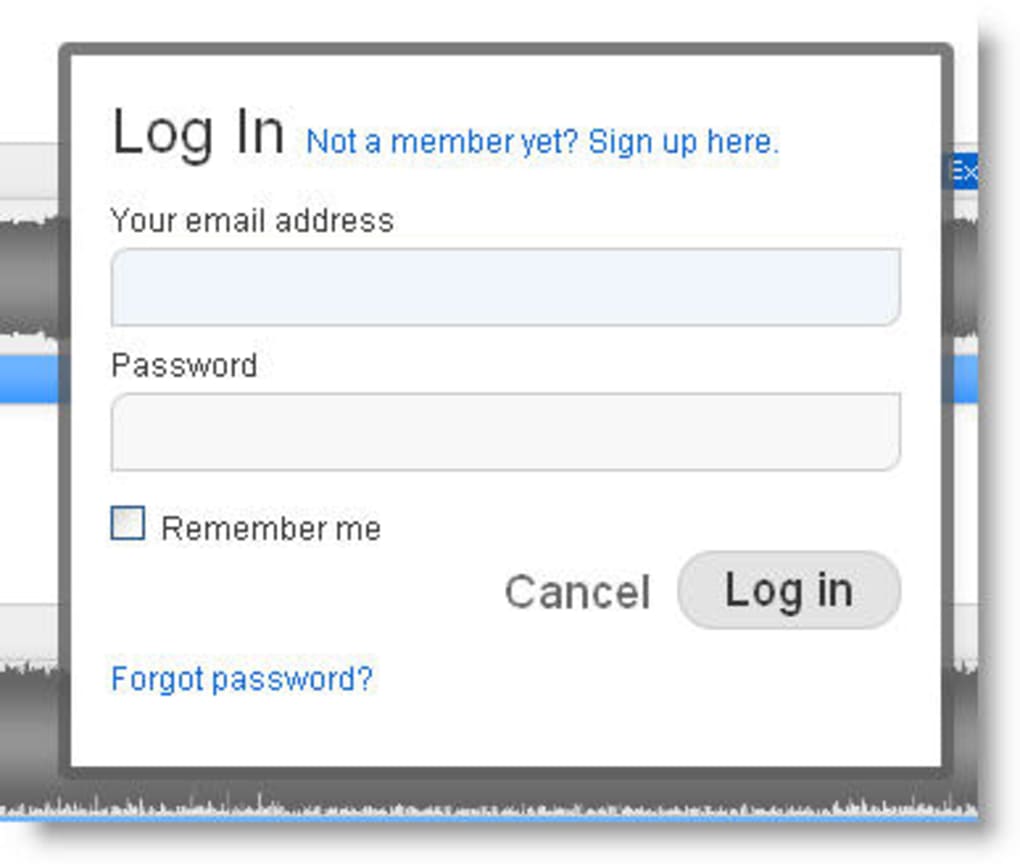
- Create an Account – Click “Sign up” on the homepage, enter an email address, choose a username, and set a secure password. You can also sign up using Google or Facebook for quicker onboarding.
- Verify Your Email – A verification link is sent to your inbox; clicking it confirms your identity and unlocks full upload capabilities.
- Upload Your First Track – Navigate to the “Upload” button, drag‑and‑drop your audio file (up to two hours), fill in title, description, tags, and select the appropriate privacy setting.
- Customize the Player – After the upload finishes, you can generate an embed code, choose colors, and decide whether to enable downloads.
- Promote & Engage – Share the track link on social media, embed it on your website, or join relevant groups to attract listeners.
Supported Platforms
- Desktop: Windows 10+, macOS 10.13+, Linux (any modern distribution with a recent browser)
- Mobile: Android 6.0+ (SoundCloud app), iOS 12+ (SoundCloud app)
- Web: All major browsers with HTML5 support
Because the core service runs in the browser, the experience remains consistent across operating systems. The mobile app provides push notifications for new comments, reposts, and direct messages, ensuring creators stay connected with their audience even on the go. For users who prefer a desktop workflow, third‑party audio editing software (e.g., Audacity, Ableton Live) can export directly to supported formats, and the upload process remains identical regardless of the source.
Security is a top priority; all uploads travel over HTTPS, and the platform employs two‑factor authentication for accounts that enable it. Regular updates to the web interface and mobile apps address emerging threats and improve performance, meaning you can trust SoundCloud to keep your music safe while you focus on creativity.
Pros, Cons & Frequently Asked Questions
Pros
- Free tier offers generous upload limits and high‑quality audio support.
- Social features encourage community building and organic discovery.
- Embeddable player works on any website without requiring extra plugins.
- Cross‑platform compatibility ensures listeners can access tracks from any device.
- Robust analytics give creators actionable insight into audience behavior.
Cons
- Free accounts are limited to two hours of total upload time, which may restrict prolific creators.
- Monetization options are only available to users meeting specific eligibility criteria.
- Search algorithm can sometimes favor popular tracks, making it harder for new artists to surface.
- Audio compression is applied to MP3/AAC uploads, which can affect ultra‑high‑resolution masters.
- Occasional UI changes may require a brief adjustment period for long‑time users.
FAQ – SoundCloud (FAQPage)
How much storage do I get with a free SoundCloud account?
The free tier allows up to two hours of audio across all uploaded tracks. This limit is based on the total runtime, not the number of files.
Can I download my own tracks after uploading them?
Yes. All creators can download their own uploads at any time, regardless of the public or private setting.
What audio formats are supported for upload?
SoundCloud accepts AIFF, WAV, FLAC, OGG, MP3, and AAC files. Uploads are processed to ensure smooth streaming across all devices.
Is there a way to make my track private but still share it with select people?
Yes. You can set a track to “Private” and generate a shareable secret link. Only users with the link can access the track, and it won’t appear in public search results.
How does SoundCloud’s monetization program work?
Eligible creators can join SoundCloud Premier, which places ads on their tracks and shares revenue based on plays. Additional options like fan subscriptions are available for premium members.
Review Summary
SoundCloud delivers a uniquely social experience for musicians and listeners alike. Its free tier is generous enough for newcomers, while premium upgrades unlock professional‑grade tools. The platform’s ease of use, cross‑device compatibility, and robust community features outweigh its modest storage limitation. Overall, SoundCloud remains a top choice for anyone who wants to share music quickly, securely, and with a built‑in audience.
Conclusion & Call to Action
If you’re looking for a reliable, free platform that blends high‑quality audio hosting with a thriving social ecosystem, SoundCloud checks all the boxes. From easy browser‑based uploads to powerful analytics and seamless embedding, the service equips creators with the tools they need to grow an audience without the hassle of complex licensing or expensive infrastructure. While power users may eventually upgrade to a paid plan for extra storage and monetization, the free tier offers more than enough to launch a career or simply share weekend mixes with friends.
Ready to get your music heard? Download SoundCloud now, create your free account, and start uploading your tracks today. Join the millions of artists who already trust SoundCloud to showcase their sound to the world.



.png)



